Tl;DR
Below, you can find a quick summary of key points about density matrix:
- What are the best AI agent platforms in 2026?
The best AI agent platforms include LangGraph, CrewAI, and n8n for developers, alongside Microsoft Copilot Studio and Salesforce Agentforce. Any thorough AI agent platform comparison highlights that selection depends entirely on your specific engineering capacity and deployment needs.
- What is the difference between an AI agent platform and an AI agent framework?
Frameworks like LangGraph provide code libraries, while comprehensive AI agent development platforms deliver the hosted infrastructure, interfaces, and security needed for deployment. Top enterprise AI agent platforms bundle both of these elements for seamless production management.
- Which AI agent platforms are open source?
Prominent open-source AI agent platforms include tools like Dify, n8n, Langflow, LangGraph, and CrewAI. These AI agent platforms allow developers to self-host infrastructure, modify execution logic, and maintain total control over data privacy.
- Can I build AI agents without coding?
Yes, utilizing no-code AI agent platforms like Relevance AI, n8n, and Dify enables visual, drag-and-drop workflow building. These AI agent development platforms allow users to connect data and define instructions without writing traditional code.
- Which AI agent platform is best for enterprise applications?
Microsoft Copilot Studio, Salesforce Agentforce, and IBM watsonx Orchestrate are among the best AI agent platforms for corporate use. These robust enterprise AI agent platforms offer crucial features like role-based access control (RBAC), audit logging, and identity management.
- How much does an AI agent platform cost?
Pricing varies; open-source AI agent platforms are free but incur hosting costs, while managed tools charge per usage or user. An AI agent platform comparison shows that tools like Salesforce Agentforce charge around $2 per conversation session.
- Can AI agent platforms support multiple agents?
Yes, most AI agent platforms natively support multi-agent orchestration to create hierarchical, collaborative systems. AI agent development platforms allow a supervisor agent to route sub-tasks to specialized workers for cohesive final outputs.
- How do I choose between LangGraph, CrewAI, and n8n?
An AI agent platform comparison suggests LangGraph for strict execution control, CrewAI for multi-agent prototyping, and n8n for visual automation. Your choice between these best AI agent platforms depends entirely on your specific workflow requirements.
- Which is the best agentic AI platform we can run on-premises?
Dify and n8n are excellent open-source AI agent platforms offering containerized, on-premises installations. For strict regulatory needs, enterprise AI agent platforms like IBM watsonx Orchestrate provide secure, governed on-premises deployments.
Table of Contents
Choosing an AI agent platform is not as simple as picking the tool with the most features. Some platforms let developers build agents with code, while others use visual tools to automate tasks. Cloud services provide managed infrastructure, and enterprise platforms focus on security and fitting into existing systems.
A working agent also needs access to tools, APIs, and relevant data. It must manage context, tasks, handle errors, and protect sensitive information. Production systems need monitoring, access controls, and reliable deployment.
Different AI agent platforms handle these responsibilities in different ways. Some provide a complete environment for building and managing agents. Others offer frameworks or software development kits (SDKs) that give developers more control but require additional infrastructure.
This guide will cover the following:
- Types of AI Agent Platforms
- Best AI Agent Platforms in 2026: Quick Comparison
- Best AI Agent Platforms for Building and Deploying AI Agents
- How to Choose the Right AI Agent Platform
- AI Agent Platform Architecture: What Happens Behind the Scenes?
- Common Challenges When Using AI Agent Platforms
Types of AI Agent Platforms
AI agent development platforms fall into several categories, and each offers a different balance of flexibility and operational control.
No-Code and Low-Code AI Agent Platforms
No-code AI agent platforms empower business operators and analysts through visual workflow builders (drag-and-drop) and extensive libraries of prebuilt integrations.
These platforms support rapid business automation, customer support routing, and internal productivity enhancements without requiring software engineering resources. But users accept significant limitations in exchange for this accessibility.
These platforms restrict control over custom execution logic, enforce strict dependencies on the vendor’s hosting environment, and limit deployment flexibility for highly specialized edge cases.
Open-Source and Developer-Focused Platforms
Open-source AI agent platforms provide frameworks, SDKs, and code libraries like LangGraph, CrewAI, and Langflow that software engineers use to construct customized agent behaviors. These code-first environments let developers precisely control execution routing, state persistence, and error handling.
Engineering teams rely on these tools for custom workflows, complex research prototypes, and self-managed deployments.
Engineering organizations assume total operational responsibility for hosting the agents, monitoring performance, managing database state, and maintaining the underlying infrastructure by choosing open-source frameworks.
Managed Cloud AI Agent Platforms
Managed cloud AI agent platforms provide hosted runtimes, native API integrations, identity security controls, and elastic operational infrastructure.
Cloud engineering teams and enterprise application developers utilize these platforms to deploy agents securely without provisioning dedicated servers.
While these platforms accelerate deployment timelines, they introduce deep dependencies on provider-specific services, limit multi-cloud portability, and often bind organizations to volume-based pricing models.
Enterprise AI Agent Platforms
Enterprise AI agent platforms prioritize organizational governance, risk mitigation, and compliance and feature deep business-system integration, native identity management, role-based access control (RBAC), and immutable audit trails.
Large corporations deploy these platforms to manage customer service interactions, CRM data manipulation, IT operations, and sensitive internal business processes. They ensure strict data security and regulatory compliance, though they typically require substantial premium licensing investments.
Best AI Agent Platforms in 2026: Quick Comparison
If you are short on time, this table provides a brief AI agent platform comparison to help technical leaders quickly shortlist solutions that match their specific operational requirements and target use cases.
| Platform | Category | Best for |
| LangGraph | Developer framework + deployment ecosystem | Stateful, custom agent workflows |
| CrewAI | Multi-agent framework + platform | Role-based multi-agent systems |
| OpenAI Agents SDK | Code-first SDK | Python/TypeScript agent development |
| Google Gemini Enterprise Agent Platform | Managed cloud | Google Cloud-based agent systems |
| Amazon Bedrock AgentCore | Managed agent infrastructure | AWS-based agent deployment |
| Microsoft Copilot Studio | Low-code enterprise platform | Microsoft business workflows |
| Salesforce Agentforce | Enterprise application platform | CRM and customer workflows |
| n8n | Workflow automation platform | Integration-heavy AI automation |
| Dify | Agent and LLM application platform | Visual application development |
| Langflow | Visual AI application builder | Graph-based agent prototyping |
| Relevance AI | No-code agent platform | Business-oriented AI agent workflows |
| IBM watsonx Orchestrate | Enterprise agent platform | Governed enterprise process automation |
Best AI Agent Platforms for Building and Deploying AI Agents
The following evaluations break down the specific capabilities, operational considerations, and inherent trade-offs for the leading tools in the market today.
LangGraph: Best for Stateful Agent Orchestration
LangGraph is an open-source framework for building stateful AI agent workflows. It is part of the LangChain ecosystem and gives developers control over how agents execute tasks. It supports workflows that maintain execution state across multiple steps.
Key capabilities
- Graph-based orchestration: Developers define workflow steps and transitions.
- State management: Applications can preserve information throughout agent execution.
- Durable execution: Checkpointing supports workflows that pause and resume.
- Human-in-the-loop controls: Agents can wait for approval before continuing sensitive operations.
LangGraph works with external models, tools, and application services. Developers can run applications within their own infrastructure or evaluate managed deployment options in the LangChain ecosystem.
It suits engineering teams building research agents, approval workflows, and applications with complex execution paths.
Its main limitation is development complexity. Teams must design workflow logic and handle operational requirements that simpler managed products may provide automatically.
Official documentation: LangGraph Documentation
CrewAI: Best for Role-Based Multi-Agent Systems
CrewAI is a framework for creating systems in which multiple AI agents collaborate on tasks. Developers assign responsibilities to individual agents and organize their work through crews and structured flows.
Key capabilities
- Role-based agents: Each agent can have specific instructions, tools, and responsibilities.
- Multi-agent collaboration: Agents can coordinate work within a crew.
- Flows: Developers can organize tasks using structured execution logic.
- Tool and memory support: It natively integrates with the Model Context Protocol (MCP) to seamlessly connect agents to external tools.
CrewAI provides an open-source Python framework alongside commercial platform capabilities.
Teams can develop workflows locally and evaluate additional deployment and monitoring services.
CrewAI suits developers building collaborative agent systems, research automation, and workflows that benefit from specialized responsibilities.
However, adding agents also increases coordination complexity. More agents can create additional model calls, latency, and debugging work.
Official documentation: CrewAI Documentation
OpenAI Agents SDK: Best for Code-First Agent Development
The OpenAI Agents SDK helps developers build agent applications using Python or TypeScript.
It provides a lightweight development approach with tools for agent execution, delegation, and tracing.
Developers can use it to create assistants that access external services, perform tasks, and coordinate specialized agents.
Key capabilities
- Agent configuration: Define instructions, tools, and runtime behavior.
- Tool calling: Connect agents to application functions and external systems.
- Handoffs: Transfer tasks between specialized agents.
- Tracing and guardrails: Inspect execution activity and implement validation controls.
The SDK integrates with application code and can run within infrastructure managed by the development team.
It suits software developers who want direct control over agent behavior without adopting a large visual platform.
However, the SDK is not a complete managed infrastructure solution. Teams may still need to implement hosting, authentication, persistent storage, and operational monitoring.
Model usage and supporting infrastructure can also generate costs.
Official documentation: OpenAI Agents SDK
Google Gemini Enterprise Agent Platform: Best for Google Cloud Teams
Google Gemini Enterprise Agent Platform provides services to build, deploy, and manage AI agents within Google Cloud.
It combines development capabilities with cloud infrastructure and operational controls.
Organizations can use it to create agents that interact with business applications, enterprise data, and external tools.
Key capabilities
- Agent development tools: Support for code-first and supported visual development approaches.
- Managed infrastructure: Services for running and operating agents.
- Model integration: Access to supported AI models and related Google Cloud services.
- Governance capabilities: Controls for managing enterprise deployments.
The platform suits teams already using Google Cloud for application development and data infrastructure.
It can reduce the work required to connect agents with cloud resources.
However, organizations must evaluate service configuration, permissions, regional availability, and pricing.
The platform also creates dependencies on parts of the Google Cloud ecosystem.
Official documentation: Gemini Enterprise Agent Platform
Amazon Bedrock AgentCore: Best for AWS-Based Agent Deployment
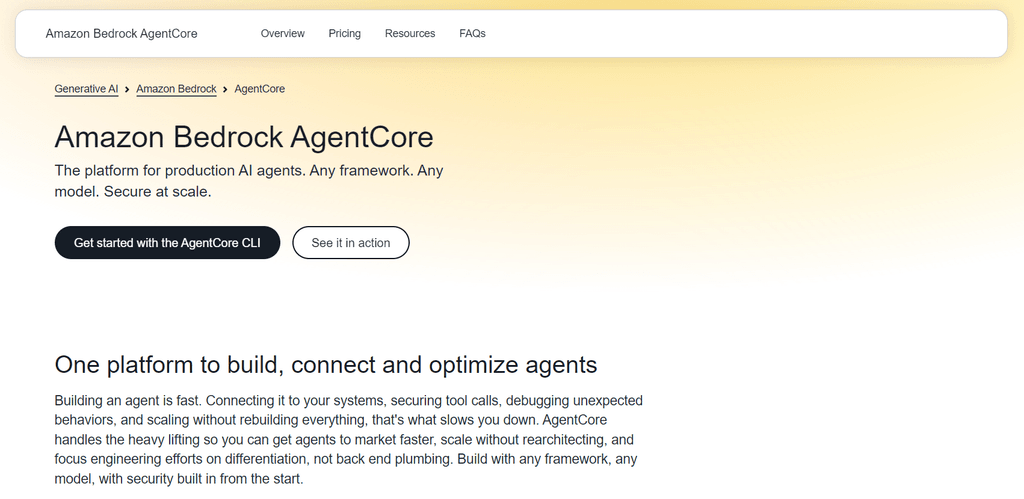
Amazon Bedrock AgentCore provides managed infrastructure to run and operate AI agents on AWS.
It focuses on production requirements rather than serving only as an agent development framework.
Developers can use supported frameworks to build agents and then connect them to AgentCore services.
Key capabilities
- AgentCore Runtime: Managed execution infrastructure for agent workloads.
- Memory: Services that support retaining and retrieving agent context.
- Gateway and identity: Capabilities for connecting tools and managing access.
- Observability: Integration with monitoring, tracing, and operational metrics.
AgentCore suits organizations building agents within AWS environments.
For example, a development team can connect an agent to existing AWS services while using managed infrastructure for execution and monitoring.
Its main advantage is reducing some infrastructure-management work.
However, teams still need to understand AWS permissions, networking, service integration, and usage costs.
Official documentation: Amazon Bedrock AgentCore
Microsoft Copilot Studio: Best for Microsoft Enterprise Workflows
Microsoft Copilot Studio is a low-code platform for building and managing AI agents and automated workflows.
It is designed for organizations that want to connect agents to business applications without developing every component from scratch.
Key capabilities
- Visual agent development: Configure agents through graphical interfaces.
- Business connectors: Integrate with supported Microsoft and third-party services.
- Knowledge integration: Connect agents to approved information sources (over 1,500 prebuilt data connectors).
- Governance: Manage access and administration through supported Microsoft environments.
Copilot Studio is particularly useful for businesses using Microsoft 365, Power Platform, and related enterprise systems.
A company might build an internal agent that answers policy questions or helps employees complete routine tasks.
The low-code approach can shorten development time.
However, advanced workflows may still require technical configuration. Organizations must also review licensing, environment restrictions, and connector permissions.
Official documentation: Microsoft Copilot Studio
Salesforce Agentforce: Best for CRM and Customer Service Automation
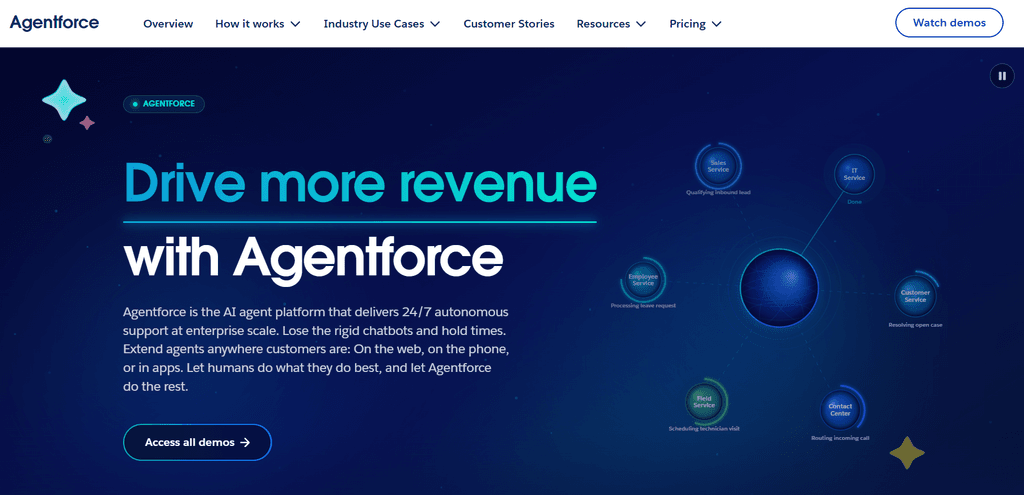
Salesforce Agentforce is an enterprise platform for building AI agents that work with Salesforce applications and business data.
It focuses on customer-facing and internal workflows, including sales and service operations.
Key capabilities
- CRM integration: Agents can work with supported Salesforce records and processes.
- Business actions: Agents can execute configured operations.
- Agent development tools: Support for configuring agent behavior and capabilities.
- Enterprise controls: Access management and governance within the Salesforce environment.
For example, a service agent can retrieve relevant customer information, help answer questions, and support case-management workflows.
Agentforce is most suitable for organizations that already depend on Salesforce.
Its integration with CRM processes is a major advantage for those users.
However, it is less suitable as a general-purpose framework for unrelated applications. Implementation requirements and costs also depend on the Salesforce products and services involved.
Official documentation: Salesforce Agentforce Developer Guide
n8n: Best for AI-Powered Workflow Automation
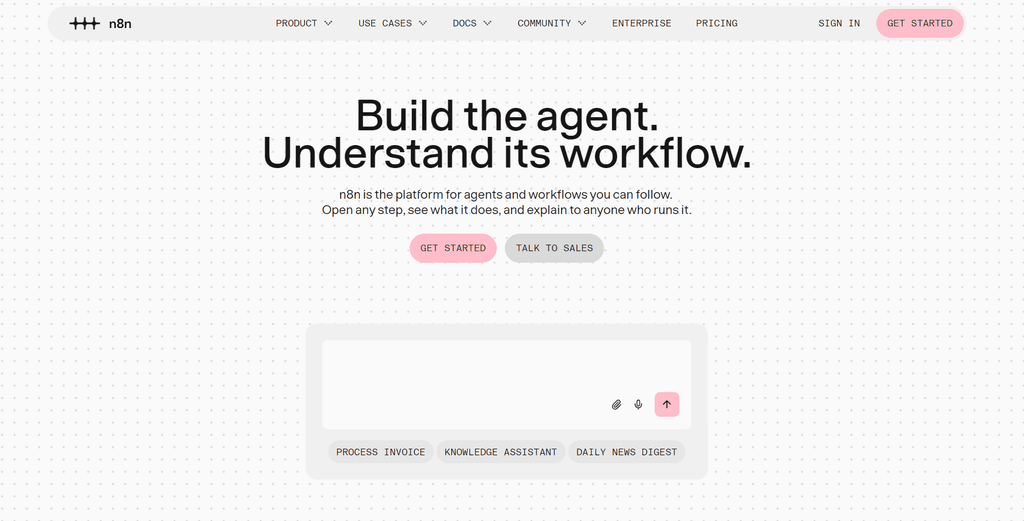
n8n is a workflow automation platform that also supports AI-powered workflows and agents.
It provides a visual editor for connecting applications, APIs, and processing steps.
Unlike developer frameworks that focus mainly on agent reasoning, n8n emphasizes integration and workflow execution.
Key capabilities
- Visual workflow builder: Create automated processes using connected nodes.
- Application integrations: Connect supported business tools and external APIs.
- AI agent functionality: Combine language models with tools and workflows.
- Execution monitoring: Inspect workflow runs and troubleshoot failures.
n8n offers hosted and self-hosted deployment options.
It is useful for operations teams, developers, and businesses that need to connect multiple applications.
For example, an AI workflow can classify incoming support messages and route them to the correct system.
Its main limitation is that complex agent reasoning and custom execution control may require additional code or specialized frameworks.
Also, n8n uses a source-available licensing model, so teams should not assume it has the same licensing terms as permissively licensed open-source frameworks.
Official documentation: n8n Documentation
Dify: Best for Visual AI Application Development
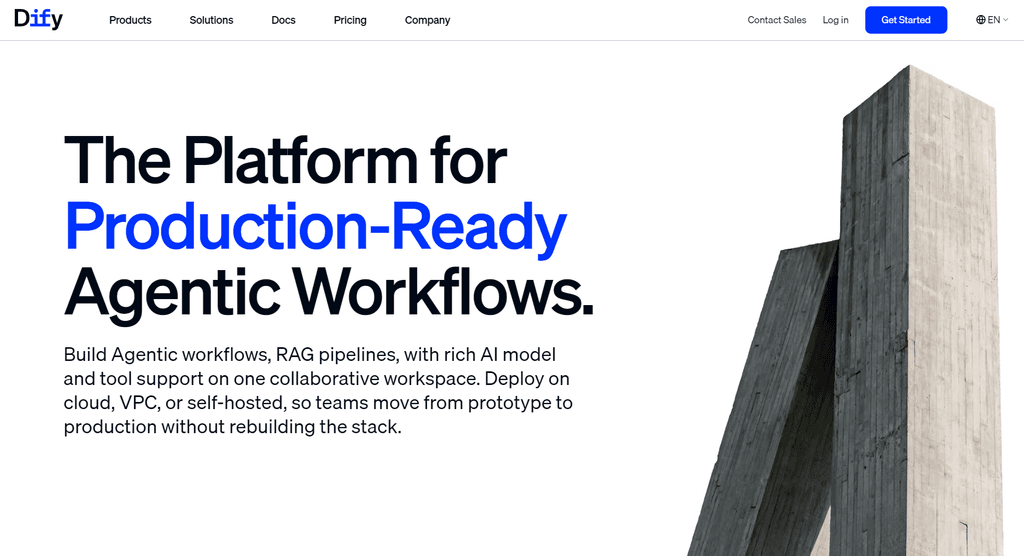
Dify is a platform for developing AI applications, agent workflows, and retrieval-augmented generation systems.
It combines visual development with model integrations and application-management features.
Key capabilities
- Visual workflow design: Build AI processes using connected components.
- Model integration: Configure supported language models.
- Knowledge retrieval: Connect applications to relevant information sources.
- Application deployment: Expose developed applications through supported interfaces and APIs.
Dify supports cloud and self-hosted deployment approaches.
It suits teams building internal knowledge assistants, customer-facing AI applications, and workflow-based agents.
Its visual interface reduces the amount of code needed for common application patterns.
However, highly customized execution logic may require additional engineering. Organizations should also review the license terms for the specific edition they intend to deploy.
Official documentation: Dify Documentation
Langflow: Best for Visual Agent Prototyping
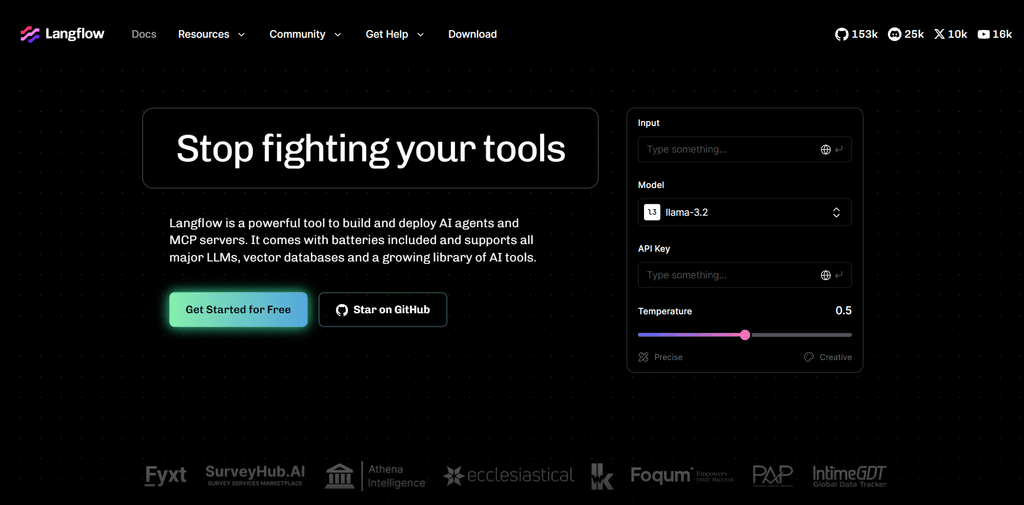
Langflow is an open-source, Python-based framework with a visual interface for building AI applications and agent workflows.
It allows developers to connect components through a graphical canvas.
Key capabilities
- Visual flow editor: Design workflows using connected components.
- Agent components: Configure agents that interact with models and tools.
- Custom components: Extend workflows with Python-based functionality.
- API support: Integrate developed flows with other applications.
Langflow is useful for prototyping, experimentation, and developing applications that benefit from visual workflow design.
Its open-source components also support self-managed deployments.
For example, a developer can create a document-processing agent and test different model and retrieval configurations.
However, visual development does not remove production responsibilities. Teams still need to address authentication, scaling, monitoring, and secure deployment.
Official documentation: Langflow Documentation
Relevance AI: Best for No-Code Business Agents
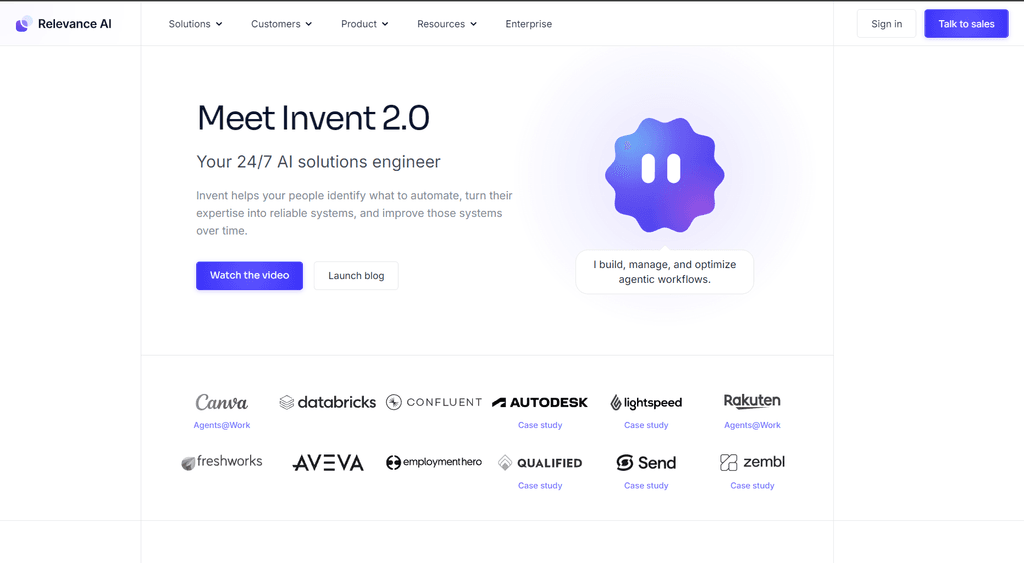
Relevance AI is a low-code and no-code platform for building AI agents that perform business tasks.
It helps organizations create agents and coordinate them within business workflows.
Key capabilities
- Visual agent development: Configure agents without extensive programming.
- Multi-agent workflows: Organize specialized agents into coordinated processes.
- Business integrations: Connect agents to supported applications and services.
- Monitoring tools: Review agent activity and workflow execution.
Relevance AI suits operations, sales, and other business teams that want to automate recurring tasks.
For example, a team could configure agents to collect information, prepare summaries, and update connected systems.
Its main advantage is that it’s accessible to users who don’t want to build an agent framework from scratch.
However, organizations should evaluate customization limits, data-handling requirements, platform dependency, and usage-based pricing before adopting it.
Official documentation: Relevance AI Documentation
IBM watsonx Orchestrate: Best for Governed Enterprise Automation
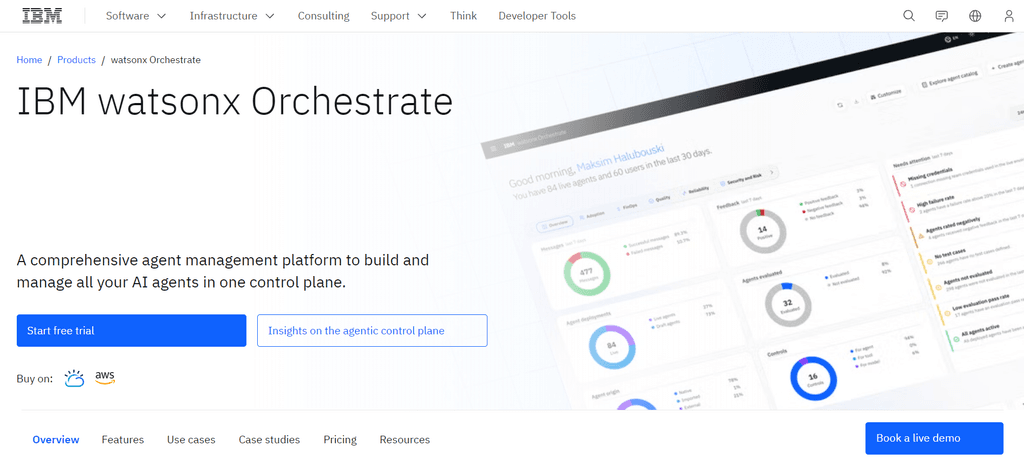
IBM watsonx Orchestrate is an enterprise platform for building, coordinating, and managing AI agents.
It connects agents to business processes while providing organizational oversight.
Key capabilities
- Agent orchestration: Coordinate agents and their assigned tasks.
- Business integrations: Connect supported enterprise applications and services.
- Agent development tools: Build and customize agents for business workflows.
- Governance and observability: Monitor agent activity and manage operational controls.
IBM watsonx Orchestrate suits organizations with complex processes, multiple enterprise systems, and formal governance requirements.
For example, a company could coordinate agents across internal service workflows while maintaining centralized oversight.
Its enterprise focus can help organizations manage agents at scale.
However, implementation may involve additional integration, administration, and procurement work.
Organizations should evaluate deployment requirements and commercial terms against their existing infrastructure.
Official documentation: IBM watsonx Orchestrate
How to Choose the Right AI Agent Platform
Select AI agent development platforms based on your engineering resources, security needs, and intended use.
Teams building core product features often need control over how agents run, store data, and handle errors. Code-based tools such as LangGraph, CrewAI, and the OpenAI Agents SDK offer this control. For quick internal automation with fewer engineering resources, visual tools like n8n and Dify can be faster to set up.
Security and governance strictly dictate platform selection in regulated industries. Organizations with HIPAA, SOC 2, or ISO 42001 requirements need audit records, identity controls, and on-premises options. IBM watsonx Orchestrate and Microsoft Copilot Studio offer these enterprise features.
Also consider how the platform connects to other tools. The Model Context Protocol (MCP) provides a common way for agents to connect to external data without custom API wrappers. Platforms with built-in MCP support can reduce integration work and reliance on one vendor.
Common Challenges When Using AI Agent Platforms
Despite impressive architectural advances, organizations still face persistent, systemic challenges when deploying AI agent platforms in production.
- Unreliable Tool Execution: Agents frequently hallucinate tool arguments, select incorrect tools, or produce unexpected formatting. If a platform lacks strict schema validation and error-recovery loops, the agent will execute malformed requests that crash downstream systems or result in infinite tool-calling loops.
- Complex Workflow Debugging: Multi-step reasoning loops make failures exceptionally difficult to trace. A failure occurring at step eight of a workflow might originate from a poor planning decision made at step two. Platforms that fail to provide comprehensive tracing, state inspection, and time-travel debugging tools leave developers blind when attempting to resolve production incidents.
- Security and Permissions: Autonomous agents introduce severe, novel security vulnerabilities, most notably indirect prompt injection. If an agent reads a malicious instruction hidden within a seemingly benign website, document, or email, the attacker can hijack the agent’s goal and force it to execute harmful actions using its granted permissions. Without strict role-based access control, the principle of least privilege, and human-in-the-loop validation for sensitive actions, compromised agents can easily exfiltrate sensitive enterprise data.
- Costs: Agentic workflows loop continuously, evaluating and executing tasks in iterative cycles. Each cycle consumes API tokens. Without proper architectural controls, prompt caching, batching, and intelligent model routing strategies, token costs compound rapidly, ultimately destroying the financial return on investment.
- Vendor Lock-in: Utilizing proprietary managed runtimes ties the organization to specific vendor ecosystems. Migrating complex, stateful agent workflows away from heavily integrated platforms like Amazon Bedrock or Google Vertex AI requires massive engineering effort, as the underlying infrastructure and security models do not translate seamlessly to competing providers.
Key Takeaways
- The market for AI agent platforms has matured into a diverse ecosystem addressing distinct operational needs.
- Organizations must move beyond basic prototyping and evaluate platforms based on their ability to handle durable state, orchestration complexity, and security governance.
- Whether using a code-first framework like LangGraph for granular control, a visual builder like n8n for rapid automation, or a governed environment like IBM watsonx Orchestrate for enterprise compliance, selecting the right platform depends on aligning the tool’s architectural strengths with the organization’s technical capabilities and business objectives.