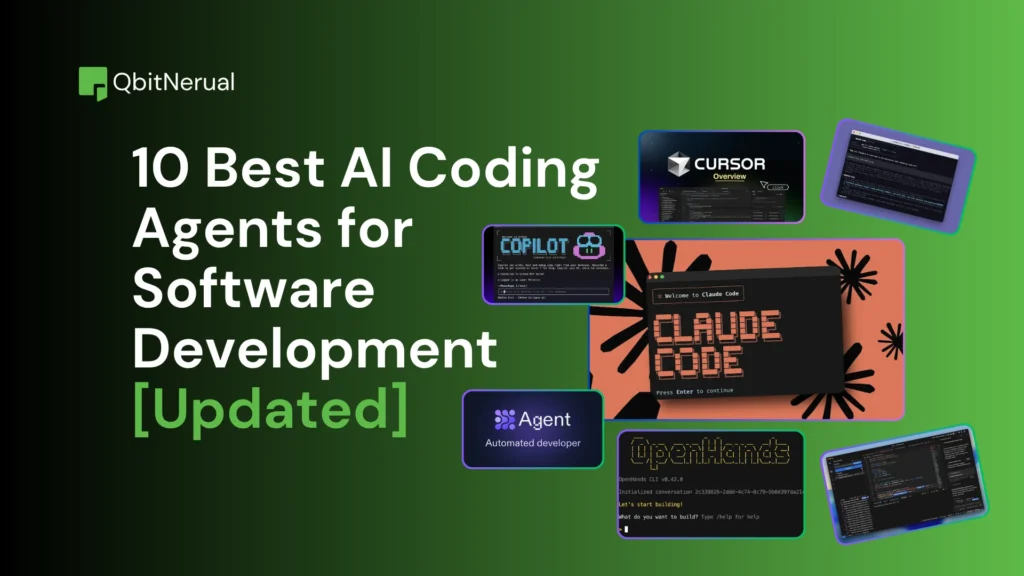
Software teams are moving toward AI coding agents that can inspect code, plan changes, run tools, verify results, and hand work back for review. According to Stack Overflow’s 2025 Developer Survey, 84% of respondents used or planned to use AI tools in development. But the best AI coding agents are not simply the ones that generate the most code. They need enough codebase context to make accurate changes, verification to catch failures, controlled permissions, and a workflow that keeps review effort manageable.
This guide compares 10 AI coding agents and helps you choose one for terminal work, editor-first development, background tasks, enterprise codebases, and self-hosted workflows.
TL;DR
- AI coding agents can inspect a repository, plan multi-step work, edit files, run commands and tests, and return a diff or pull request for human review.
- The best AI coding agents for software development are Claude Code, OpenAI Codex, Cursor, GitHub Copilot, Devin, OpenHands, Kiro, Windsurf/Devin Desktop, Augment Code, and Replit Agent.
- An AI coding agent should be evaluated on task completion, codebase context, verification, security, cost, and review effort rather than generated lines of code alone.
- Autonomous coding agents can work in the background or in the cloud, but higher autonomy increases the need for a sandboxed environment, scoped credentials, tests, branch protections, and review gates.
- The right AI agents for coding depend on your workflow. Terminal-first development, IDE-native editing, GitHub issue-to-PR automation, enterprise monorepos, self-hosted use, and rapid app building each require different tools.
- Open source AI coding agents such as OpenHands give teams more control over models and deployment, but self-hosting shifts infrastructure, security, model selection, and operational responsibility to the team.
Table of Contents
10 Best AI Coding Agents in 2026 Compared
If you are short on time, the table below gives a side-by-side view of the best AI coding agents. It focuses on execution model, workflow fit, runtime, autonomy, current entry pricing, and the main operational trade-off.
| Tool | Execution model | Best for | Where it runs | Autonomy | Current entry pricing | Main trade-off |
| Claude Code | Local command-line agent with integrations | Large repo work and refactors | Local shell, editor integrations, supported cloud workflows | High | Claude Pro $20/mo; Max from $100/mo | Usage can become expensive on long tasks |
| OpenAI Codex | Local and cloud coding agent | Parallel or background engineering tasks | Desktop, local CLI, cloud environments | High | Codex included across ChatGPT plans; cloud available on eligible paid plans; Plus $20/mo | Usage and limits vary by plan, model, task size, and execution mode |
| Cursor | AI-native editor plus cloud agents | Editor-first development | Desktop editor, CLI, isolated cloud VMs | Medium-High | Individual $20/mo; Teams $40/user/mo | Workflow is tied closely to Cursor |
| Google Antigravity | Multi-agent development platform | Parallel agent workflows and end-to-end development tasks | Desktop app, IDE, CLI, IDE extensions, and enterprise Google Cloud workflows | High | Free individual tier; Google AI Pro $20/mo; Google AI Ultra from $100/mo | Usage is quota-based, and the product surface is broader and more complex than a simple coding assistant |
| GitHub Copilot | IDE, CLI, GitHub and cloud agent | GitHub-native teams | GitHub, supported editors, CLI, Copilot app | Medium-High | Pro $10/mo; Pro+ $39; Max $100 | Agent usage consumes plan credits |
| Devin | Delegated cloud software agent | Backlog tasks and end-to-end delegation | Devin Cloud and connected repos | High | Pro $20/mo; Max $200/mo | Requires clear task boundaries and review |
| OpenHands | Open-source software-agent platform | Self-hosting and model choice | Local, hosted SaaS, self-hosted VPC | High | Local open source: free; hosted individual: free/BYOK; Enterprise custom | Operations and security shift to the user |
| Kiro | Spec-driven agentic environment | Structured feature development | IDE, CLI, and web | Medium-High | Free; Pro $20/mo; Pro+ $40; Pro Max $100; Power $200 | Structured flow can be excessive for small changes |
| Augment Code | Enterprise agent plus context platform | Large codebases and multi-repo teams | IDE, CLI, agents, cloud compute | Medium-High | Standard $20/mo flat up to 50 seats; Business $100/mo | Usage-based spend can rise on heavy workloads |
| Replit Agent | Cloud app-building agent | Rapid apps and prototypes | Browser/cloud workspace | High for app building | Core $20/mo; Pro $100/mo | Less focused on arbitrary existing-repo workflows |
Claude Code: terminal-first agentic development
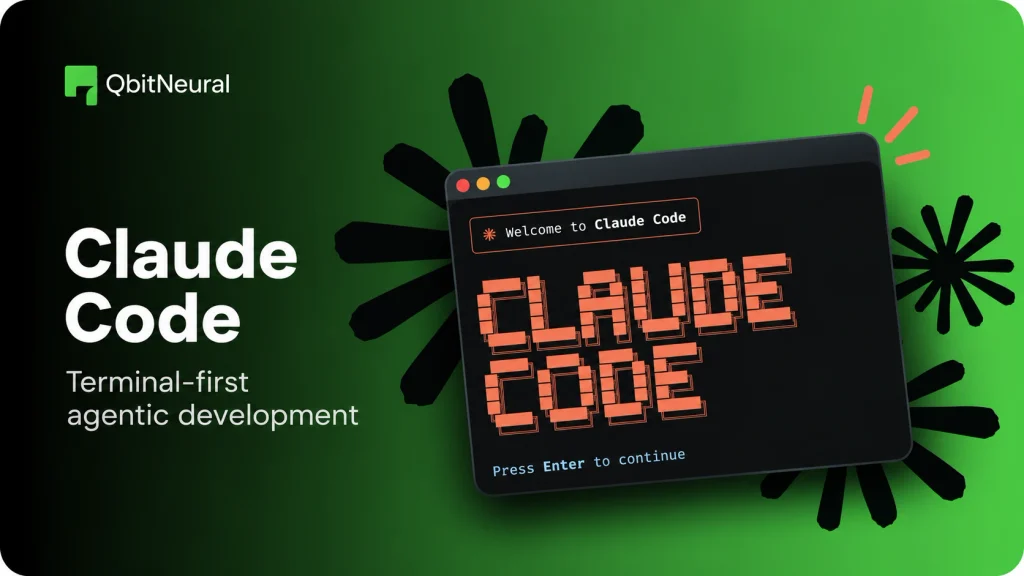
Claude Code is designed for developers who want an agent close to the local development environment. It starts from the command line, reads the codebase, edits files, runs commands, uses Git, and can connect to external systems through MCP.
Best for
Large codebases, refactoring, unfamiliar repos, debugging, test-driven changes, and developers who prefer a command-line workflow.
How it works
Claude Code runs on the developer’s machine and uses permission rules to govern file writes and shell execution. Read operations are less restricted, while edits and commands may require approval. Teams can define allow and deny rules, along with managed settings. This makes its permission model easier to understand than an agent that silently executes every command.
Key strengths
Claude Code has direct access to project files, Git, shell commands, external tools, and project instructions. The local loop works well when the repo can be built and tested on the developer’s machine. It also supports MCP servers for issue trackers, databases, monitoring systems, and deployment tools.
Security and verification
Developers can review commands before execution, restrict tools, and use plan-only modes. The main risk comes from granting broad command or credential access without matching review controls.
Pricing
Claude Code is available through Claude Pro at $20 per month for lighter use and Max tiers starting at $100 per month for higher usage. API/Console use can be billed separately.
Trade-off
Long sessions can consume substantial model usage. Teams should track cost per completed change.
Bottom line: For teams comparing the best AI coding agents for local development, Claude Code is a strong reference point because it combines deep repo access with explicit permission controls.
OpenAI Codex: parallel and background coding tasks
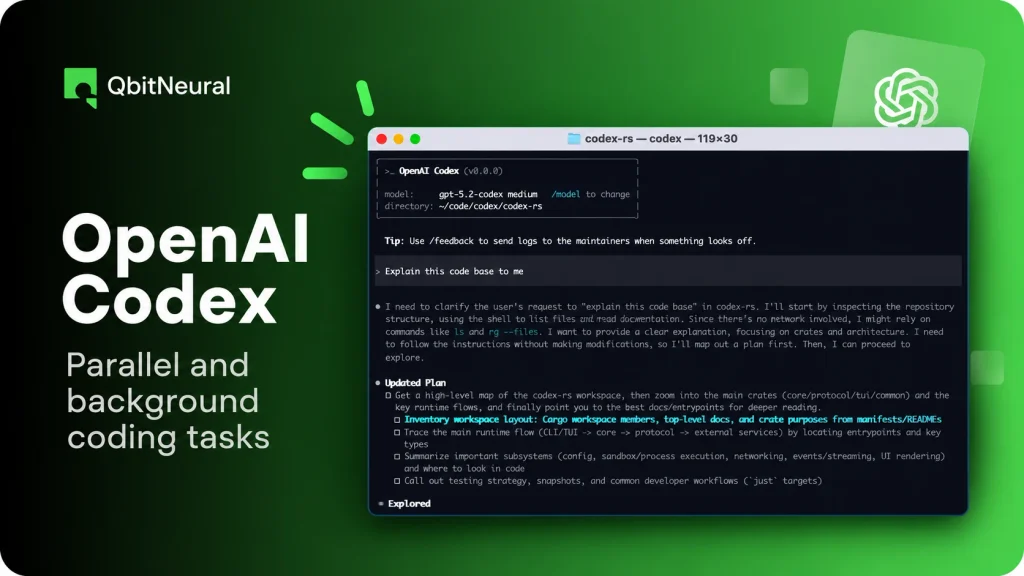
OpenAI Codex combines local coding with managed cloud execution. The local Codex CLI can read, modify, and run code on the developer’s machine. Codex Cloud runs tasks on OpenAI-managed computers, where each task gets an isolated workspace with project files, dependencies, and configured access.
Best for
Parallel bug fixes, test generation, background tasks, issue-to-PR work, long-running changes, and teams that already use ChatGPT.
How it works
A developer can work interactively in the local environment or send work to a cloud environment. Cloud tasks can continue while the developer’s machine is offline. Codex workflow also supports reusable environments, GitHub-connected repos, testing, and review before changes are used.
Key strengths
Codex supports local and cloud execution, parallel tasks, GitHub workflows, and managed environments. OpenAI also exposes the Codex harness through the Agents API for developers building cloud-agent systems.
Security and verification
Cloud tasks use isolated workspaces. Teams still need to configure repository access, network access, credentials, and private-service connectivity carefully. Review the diff and test output before merge.
Pricing
Codex is included across ChatGPT plans. Codex Cloud is available to eligible Plus and higher plans, subject to rollout and workspace settings. ChatGPT Plus is $20 per month. Usage depends on model, task size, where the task runs, and plan limits.
Trade-off
Cost is less predictable than a simple seat price because cloud work, model choice, long context, concurrent tasks, and fast modes can change usage substantially.
Bottom line: Among AI agents for coding, Codex is especially relevant when the same team needs both interactive local work and delegated cloud execution.
Cursor: editor-native agents and cloud execution
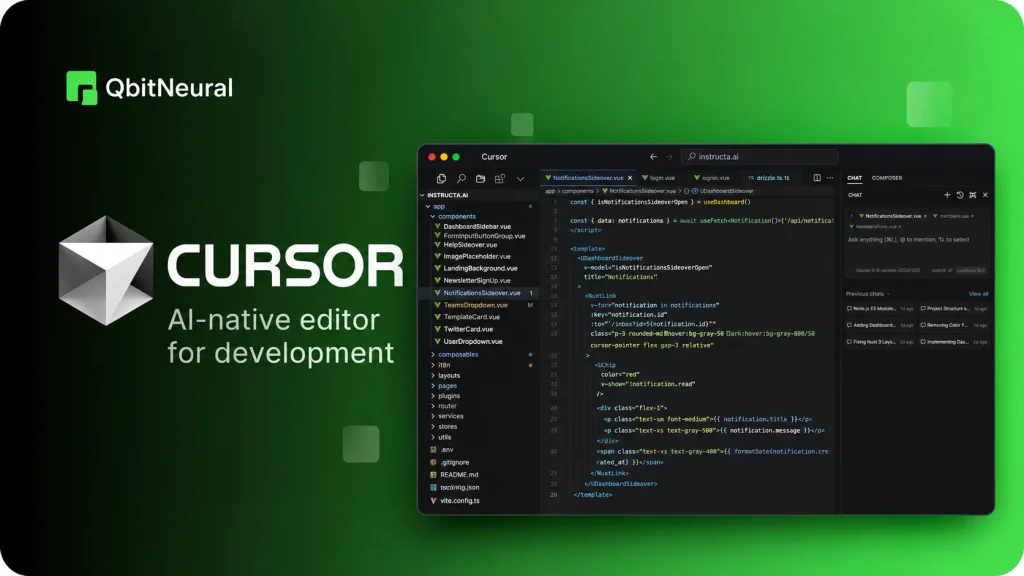
Cursor combines an AI-native editor with local agents, a command-line agent, and cloud agents. Its cloud agents run in isolated virtual machines that contain repos, dependencies, secrets, startup commands, and network access. They can build, run tests, control a browser, attach artifacts, and open PRs.
Best for
Developers who want agent features inside the editor, teams that want background tasks without leaving the Cursor environment, and workflows that mix direct editing with asynchronous execution.
How it works
Local agents search the codebase, edit files, and run terminal commands. Cloud Agents move larger tasks to a managed VM. Cursor supports multi-repo environments and can attach screenshots, videos, and logs to the resulting PR.
Key strengths
The editor experience, cloud handoff, multi-repo support, rules, hooks, MCP integration, and artifact-based verification all sit in one product. Teams can also create automations triggered by GitHub, GitLab, Slack, Linear, webhooks, or schedules.
Security and verification
Each cloud agent gets an isolated VM. Cursor supports Privacy Mode, network controls, secret management, and enterprise controls. However, background agents can auto-run commands and access the network, which increases prompt-injection and data-exfiltration risk if the environment is too permissive.
Pricing
Cursor’s Individual plan starts at $20 per month, and Teams starts at $40 per user per month. Cloud agents are included on paid plans, with usage limits and on-demand billing depending on the plan.
Trade-off
Cursor works best when the team is comfortable standardizing more of its workflow around the Cursor editor and cloud-agent stack.
Bottom line: For editor-first developers, Cursor is one of the best AI coding agents to evaluate because it connects interactive editing, cloud execution, review artifacts, and automation in one workflow.
Google Antigravity: multi-agent development and parallel coding workflows
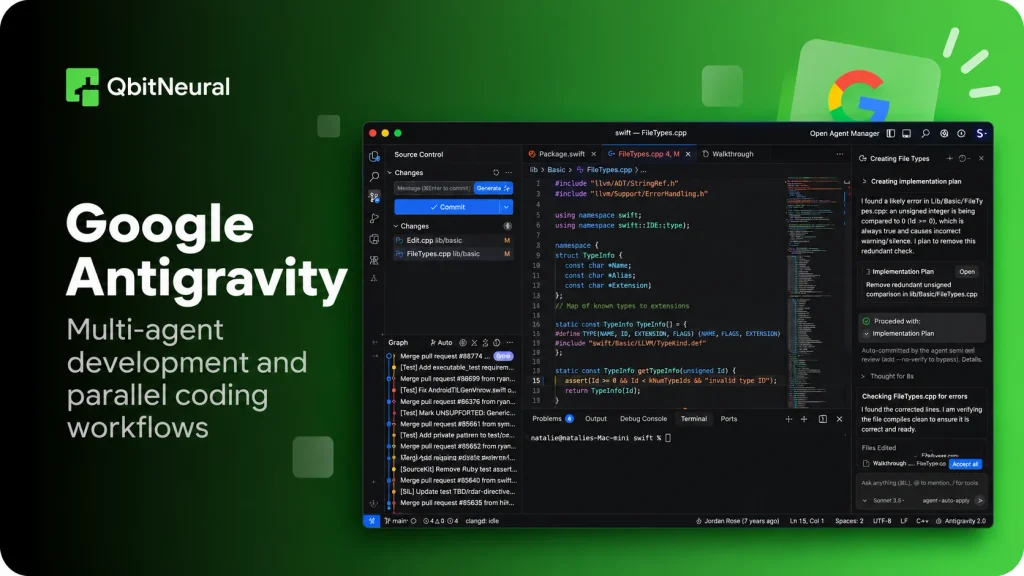
Google Antigravity is Google’s agentic development platform for developers who want to delegate complete software tasks. It supports multiple agents that can plan, write code, execute commands, test results, and work across development surfaces. Antigravity now includes a standalone desktop application, CLI, SDK, IDE, and integrations with other editors.
Best for
Parallel development tasks, full-stack development, long-running coding work, browser-based testing, and developers who want to manage several agents across different workspaces.
How it works
Antigravity uses an agent-first workflow and acts as a command center where developers can run multiple local agents in parallel across projects and workspaces. Antigravity IDE provides another workflow where agents can operate across the editor, terminal, and browser. Developers can also use Antigravity CLI for terminal-first work and background subagents.
Agents can create plans, modify code, execute development tasks, and produce artifacts for review. These artifacts can include plans, code diffs, architecture diagrams, images, and browser recordings, which give developers visibility into what an agent did rather than exposing only its final response.
Key strengths
Antigravity’s main strength is parallel agent execution. Developers can start multiple agents across separate codebases and let them work asynchronously while continuing other work. The platform also includes browser-use capabilities, which let agents perform tasks such as UI testing, source-control actions, and dashboard interactions.
Antigravity plans offer different combinations of Gemini and third-party models by subscription tier. Google currently lists Gemini 3.8 Flash, Gemini 3.7 Flash, Gemini 3.6 Flash, Gemini 3.1 Pro, and selected Claude and GPT-OSS models.
Security and verification
Antigravity emphasizes verification through artifacts that show plans, diffs, and other results produced during a task. Developers can review these artifacts and provide feedback before accepting the work.
For enterprise deployments, Google says Antigravity integrates with Gemini Enterprise and Google Cloud controls. Its enterprise IDE extensions can respect organizational IAM policies, VPC Service Controls, and supported data-residency boundaries. Google also states that enterprise code, prompts, and agent transcripts are not used to train its foundation models.
Pricing
Google Antigravity has a free individual tier with access to agent models, unlimited Tab completions and command requests, subject to weekly rate limits. Google AI Pro costs $20 per month and provides higher limits, while Google AI Ultra starts at $100 per month with larger quotas. Google also offers a $200 Ultra tier for heavier usage. Enterprise access is available through Google Cloud and Gemini Enterprise Agent Platform.
Pro and Ultra users can also use purchased AI credits after exhausting their baseline quota. This means the subscription price alone does not represent the maximum potential cost for heavy agent workloads.
Trade-off
Antigravity offers more execution surfaces and orchestration options than developers may need for simple coding assistance. Its quota-based usage also makes workload size relevant to cost: Google states that more complex agent tasks consume more quota than straightforward requests.
Bottom line: For teams comparing the best AI coding agents for parallel development, Google Antigravity stands out because it combines local agents, multi-agent workflows, browser interaction, CLI access, and task-level verification within one platform.
GitHub Copilot coding agent: GitHub-native issue-to-PR workflows
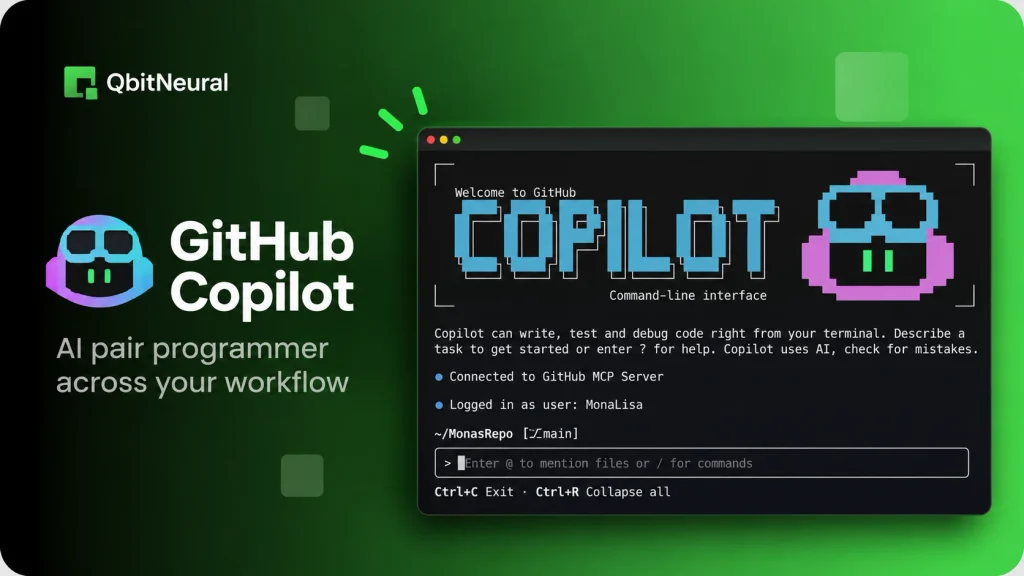
GitHub Copilot has expanded from completions into a broader agent platform across editors, the command line, GitHub, and the Copilot app. Paid plans can assign work to the cloud agent and receive a PR for review.
Best for
Teams that already manage work in GitHub Issues, pull requests, Actions, branch protection, and GitHub-native review processes.
How it works
A developer can start from an issue, editor session, CLI, or Copilot app. The coding agent implements the requested change, updates a branch, and creates or updates a PR. The developer then reviews the change in the same repository workflow used for human-written code.
Key strengths
The integration point is GitHub itself, which reduces workflow switching for teams that already use Issues, PR templates, Actions, code owners, and branch rules. GitHub also supports MCP integration and third-party coding agents.
Security and verification
The safest setup keeps the agent behind existing repository permissions, required reviews, Actions checks, and branch protection. Treat the PR as untrusted until CI and human review pass.
Pricing
Copilot Pro is $10 per user per month, Pro+ is $39, and Max is $100. Cloud-agent and code-review usage consumes GitHub AI Credits, with larger allowances on higher plans.
Trade-off
Teams can face variable usage costs once agent and premium-model activity exceeds included credits.
Bottom line: A GitHub-native AI coding agent makes the most sense when the organization wants to preserve its existing issue, PR, review, and CI/CD controls instead of adopting a separate task system.
Devin: delegated cloud software engineering
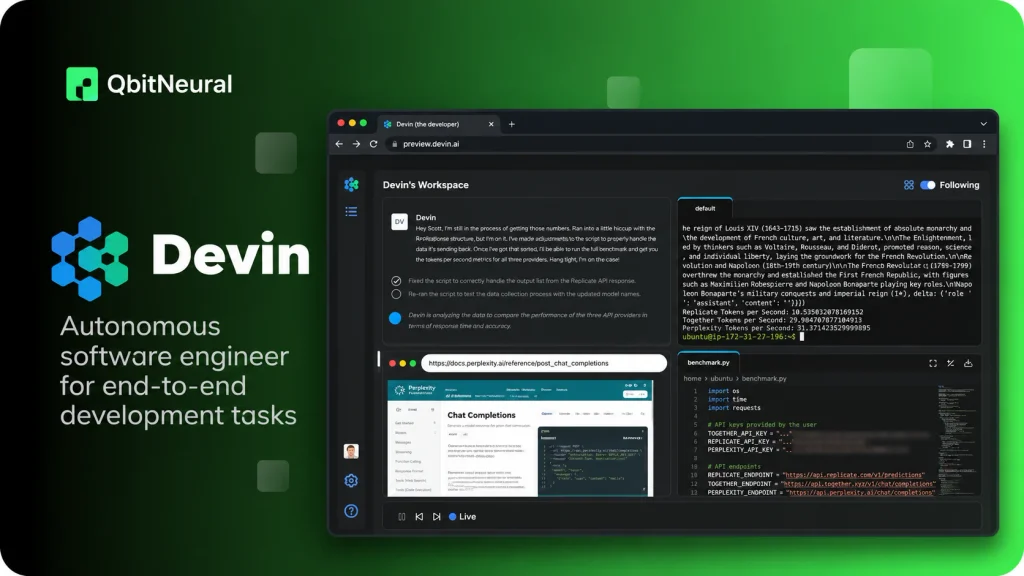
Devin is built around delegated software work in a cloud environment. Developers can assign engineering tasks, let Devin inspect a codebase, make changes, run tests, investigate failures, and return work for review. Cognition has also expanded Devin with codebase scans, parallel-agent workflows, integrations, and macOS cloud environments for Apple-platform development.
Best for
Backlog work, bounded feature tasks, codebase investigations, migration work, and engineering tasks that can run independently after the developer defines success criteria. Teams evaluating autonomous coding agents should treat those criteria as the task contract.
How it works
Devin Cloud provides the agent with a managed development environment. It can connect to GitHub, GitLab, Bitbucket, Jira, Linear, Slack, and other systems. Newer features also support parallel investigation and execution across broad codebase goals.
Key strengths
High autonomy, persistent cloud execution, integrations, long-running tasks, and the ability to keep work moving after the developer leaves the session.
Security and verification
High autonomy increases the cost of vague requirements. Teams should restrict credentials, define acceptance tests, use branch protections, and prevent direct production changes. Devin’s team and enterprise plans add SSO, admin controls, and VPC deployment options.
Pricing
Devin Pro is $20 per month, Max is $200 per month, and Teams costs $80 per month for the team plan plus $40 per full developer seat. Paid plans include quotas, with extra usage available at API pricing.
Trade-off
Devin can do more with a task than a lightweight assistant, but that also means poorly scoped work can create larger diffs and more review burden.
Bottom line: Devin represents the higher-autonomy end of autonomous coding agents, so it is most useful when the team can define measurable tasks and strong verification gates.
OpenHands: open-source and self-hosted agent workflows
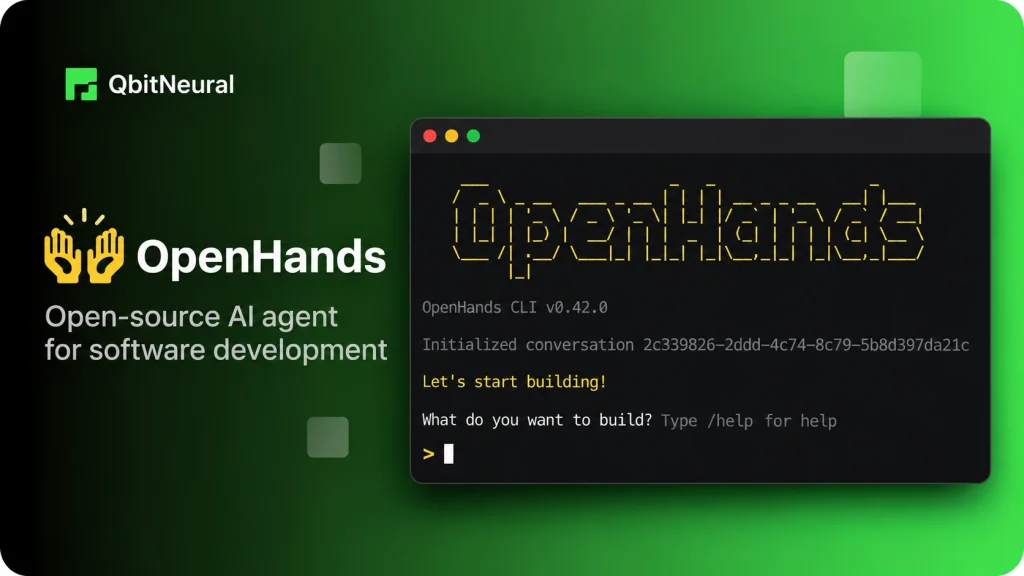
OpenHands is one of the most established open source AI coding agents. It can run locally, in hosted SaaS, or in a self-hosted environment. It is model-agnostic and supports Git integrations, a web interface, terminal UI, CLI workflows, automation, and GitHub issue-to-PR execution.
Best for
Teams that want deployment control, model choice, self-hosting, custom integrations, or a platform they can inspect and extend.
How it works
OpenHands runs an agent against a software environment and lets it inspect code, edit files, run commands, and iterate. Its GitHub Action can start from an issue or PR comment and attempt to resolve the work, then return a PR for review.
Key strengths
Open source code, BYOK support, model freedom, local operation, hosted options, and enterprise self-hosting. Teams can modify the platform instead of waiting for a vendor roadmap.
Security and verification
Self-hosting does not remove risk. It transfers responsibility. The team must design runtime isolation, credential handling, network access, model endpoints, update policy, auditability, and patch management.
Pricing
Local OpenHands is free and open source. The hosted Individual plan is also free and supports bring-your-own-key or provider usage at cost. Enterprise supports SaaS or self-hosted VPC deployments with custom pricing.
Trade-off
Operational control comes with operational work. A team that wants a fully managed experience may spend more engineering time maintaining the agent environment.
Bottom line: For organizations evaluating open source AI coding agents, OpenHands is one of the clearest options because the agent platform, deployment model, and model choice remain under the team’s control.
Kiro: spec-driven agentic development
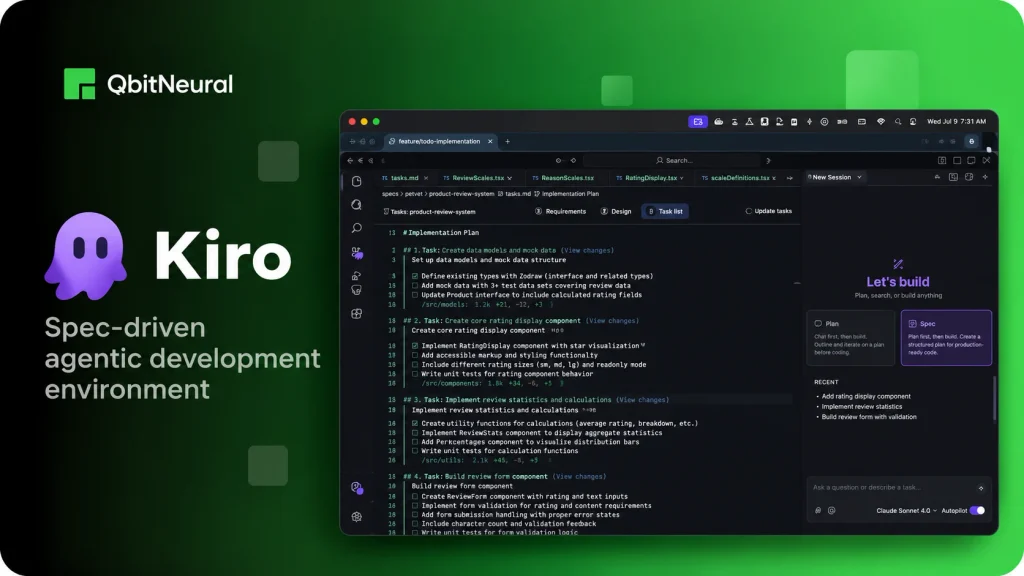
Kiro takes a more structured approach than many AI coding agents. Its Specs workflow converts a feature request into requirements, a technical design, and implementation tasks. Steering files keep codebase conventions available across sessions, while hooks can run tests, linters, type checks, or policy checks when specific agent events occur.
Best for
Features that benefit from explicit requirements, acceptance criteria, architecture notes, and a task plan before implementation begins.
How it works
Kiro supports IDE, CLI, and web surfaces. Specs can generate requirements.md, design.md, and tasks.md. Steering files provide persistent project guidance. Hooks can run before or after tool calls, file changes, and task execution. Kiro also supports MCP servers for external tools and services.
Key strengths
Structured planning, portable project guidance, capability-based permissions, event-driven hooks, and a consistent harness across IDE, CLI, and web.
Security and verification
Kiro lets teams set permissions, restrict tools, add pre-tool hooks, and run automatic validation to enforce tests or policies on agent actions.
Pricing
Kiro has a free tier with 50 credits. Pro is $20 per user per month, Pro+ is $40, Pro Max is $100, and Power is $200. Paid plans support additional credits at $0.04 per credit.
Trade-off
A full spec workflow adds overhead when a task is only a small bug fix or isolated edit.
Bottom line: Kiro is a strong option for teams that want requirements and acceptance criteria to remain visible throughout implementation rather than living only in the initial prompt.
Augment Code: enterprise codebase context and agentic execution
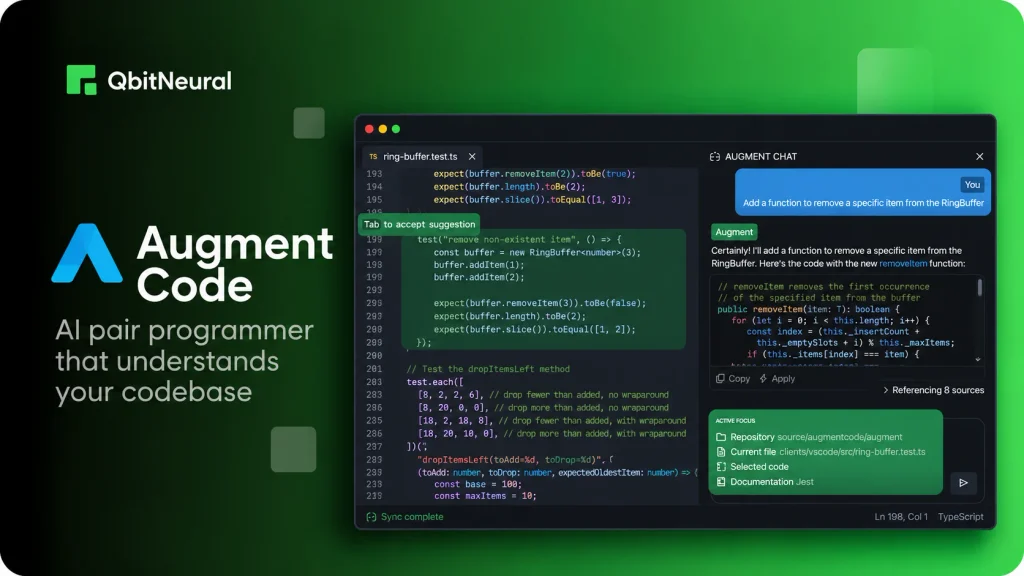
Augment Code focuses on large codebases, multi-repo context, and team deployment. Its Context Engine indexes and retrieves relevant code and related engineering context so the agent can avoid repeatedly searching broad file sets. Augment also supports IDE workflows, CLI access, MCP and native tools, code review, and cloud compute through Cosmos.
Best for
Enterprise codebases, monorepos, multi-repo systems, and teams that care about retrieval quality, governance, and shared usage controls.
How it works
Augment combines coding agents with a semantic context layer. The Context Engine maps relationships across code, history, documentation, and other sources, then retrieves only the slices relevant to the task.
Key strengths
Large-codebase retrieval, multi-repo indexing, team controls, MCP support, audit features, code review, and enterprise security options.
Security and verification
Paid plans state that customer data is not used for AI training. Enterprise features include SSO, OIDC, SCIM, CMEK, audit trails, data-residency options, and granular access controls.
Pricing
Standard is $20 per month flat for up to 50 seats and includes $20 of usage. Business is $100 per month flat for up to 50 seats and includes $100 of usage. Enterprise uses custom pricing. Additional model, Context Engine, and compute usage can be topped up.
Trade-off
Augment Code is most valuable when context retrieval and team-scale governance justify an additional usage layer. Solo developers with small repos may not need that complexity.
Bottom line: Augment is also a strong option among the AI coding agents to evaluate for enterprise contexts where the limiting factor is finding the right code and engineering history, not just generating a patch.
Replit Agent: rapid app building and prototyping
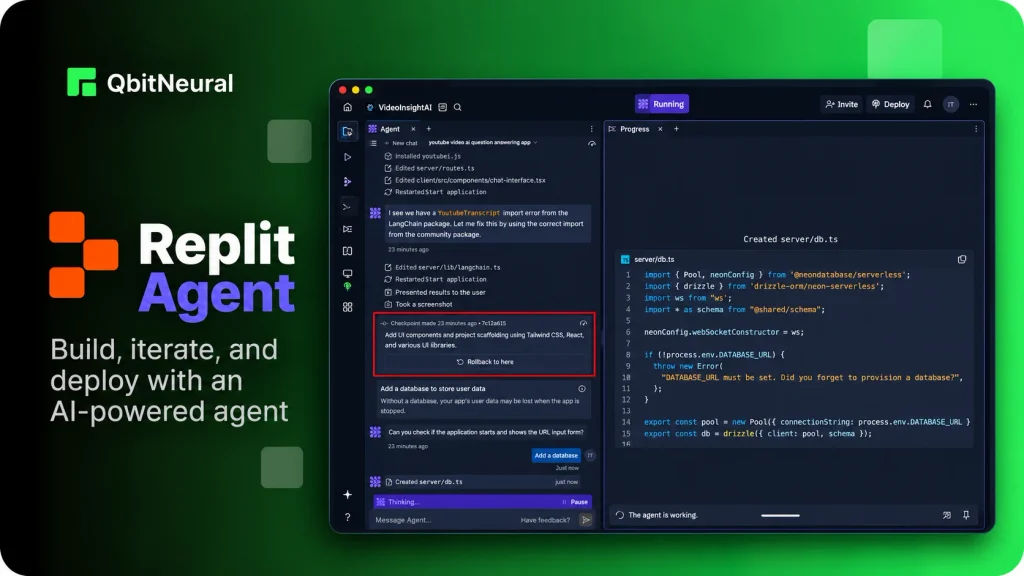
Replit Agent is optimized for building and iterating on applications inside Replit’s browser-based development environment. It can plan work, create code, run the application, test changes, and manage multiple background tasks. Replit’s task board separates planned, active, ready, and completed work, with each task running in an isolated copy before the user applies it.
Best for
Rapid prototypes, internal tools, small applications, collaborative app-building, and teams that want hosting and development in one environment.
How it works
The developer describes an outcome, and Agent builds inside the Replit workspace. Modes let users trade cost for capability and speed. Background tasks can run independently, and the user can review or apply completed work from the task board.
Key strengths
Low setup friction, integrated runtime, app testing, deployment, collaboration, and background execution. Replit is particularly effective when the application can live inside its managed environment.
Security and verification
Teams should still inspect generated code and permissions. Replit explicitly notes that Agent behavior is probabilistic. Pro and Enterprise add stronger collaboration, private deployment, and security controls.
Pricing
Replit Core is $20 per month, and Pro is $100 per month before annual discounts. Plans include usage allowances or credits, and more complex Agent work can consume more usage.
Trade-off
Replit Agent is less natural when a team already has a complex local toolchain, private infrastructure, or a mature mono-repo outside Replit.
Bottom line: Replit Agent differs from terminal-first tools because it optimizes for the path from prompt to running application rather than deep integration into every existing development environment.
Which AI Coding Agent Is Best for Your Workflow?
The best AI coding agent depends on your workload. The table below shows which tools to evaluate first and what to measure before committing.
| Workflow | Evaluate first | What to measure | Main risk |
| Terminal-first refactoring | Claude Code, Codex, OpenHands | Repo understanding, test execution, long-task continuity | Usage cost and broad file changes |
| IDE-native daily coding | Cursor, Devin Desktop, Copilot | Edit quality, retrieval, latency, review UX | Context drift and editor lock-in |
| Background issue-to-PR | Codex, Copilot, Devin | Task completion, CI pass rate, review burden | Loops, environment gaps, spend |
| Open-source/self-hosted | OpenHands | Model freedom, isolation, deployment control | Operational complexity |
| Large enterprise codebases | Augment, Copilot, Claude Code | Cross-service context, governance, auditability | Security, cost, rollout complexity |
| Spec-driven feature work | Kiro | Plan quality, acceptance-criteria adherence | Overhead for small tasks |
| Rapid app building | Replit Agent | Prompt-to-running-app time, deployment flow | Maintainability and portability |
Best AI coding agent for terminal workflows
For command-line work, start with Claude Code, Codex, Google Antigravity, and OpenHands. Claude Code is strong when the developer wants a local interactive loop with permission controls. Codex adds cloud delegation when a task should continue away from the local machine. OpenHands fits teams that want to own the runtime and model layer.
Measure how accurately it identifies the right files, whether it can build the project, how often it runs the correct tests, how it recovers from failed commands, and how much cleanup a developer performs after the task. A strong AI coding agent should reduce time-to-verified-change, not only time-to-first-edit.
Best AI coding agent for IDE-first development
Cursor is the clearest editor-native choice, while GitHub Copilot fits teams that want to stay in their existing editors and GitHub workflow. Cursor provides a tightly integrated editor plus cloud agents. Copilot spans several editors without requiring one dedicated IDE.
For daily use, test context retrieval, edit precision, latency, diff quality, and review UX. The best AI coding agents should speed up local work without hiding what changed or making developers chase agent state across interfaces.
Best AI coding agent for background pull requests
Codex, GitHub Copilot, and Devin all support delegated work that can return a reviewable branch or PR. The difference lies in where the task starts, how the environment is configured, and how much infrastructure the vendor manages.
For background work, measure acceptance rate, CI pass rate, retries, average review time, and the percentage of PRs that need major rework. Autonomous coding agents are most valuable when the expected outcome can be checked automatically. If the task has no reliable tests or acceptance criteria, higher autonomy can increase review cost instead of reducing it.
Best open-source AI coding agent
Among open-source AI coding agents, OpenHands is the best choice for teams that need an inspectable, extensible agent platform with self-hosting options. It supports local and hosted execution, multiple models, and GitHub automation.
The trade-off is ownership. Open source AI coding agents let the team choose the model, runtime, network policy, and deployment pattern, but the team also owns upgrades, secrets, observability, isolation, and incident response.
Best AI coding agent for enterprise codebases
Augment Code, GitHub Copilot, Claude Code, Cursor, and Kiro all offer enterprise controls, but they solve different problems. Augment emphasizes cross-repo retrieval and shared context. Copilot emphasizes GitHub-native governance. Claude Code gives teams strong command-line control and configurable permissions. Cursor provides cloud-agent security controls and team automation. Kiro adds structured permissions, specs, and hooks.
For enterprise deployment, measure data handling, SSO, audit logs, permission scope, model controls, network boundaries, secret management, and the agent’s ability to retrieve the right code across services. The best AI coding agents for enterprise teams should fit existing governance instead of requiring security teams to rebuild it around the tool.
How to Evaluate AI Coding Agents Beyond Feature Lists
A feature matrix tells you what AI coding agents can theoretically do. It does not tell you how much engineering work the product can complete correctly in your environment. Use a technical evaluation that measures autonomy, context, benchmarks, total cost, security, and review burden.
1. Measure autonomy as a ladder
Treat autonomy as a level:
- Level 1: completion and chat assistance.
- Level 2: agent mode inside the editor or local shell.
- Level 3: background or cloud agents that continue without the developer’s machine.
- Level 4: delegated multi-step engineering with PR, test, and CI follow-through.
Higher autonomy is not always better, as a Level 2 workflow can outperform a Level 4 agent when the work requires frequent product decisions or architecture judgment. The right level minimizes supervision without expanding the blast radius beyond what the team can verify.
2. Test codebase context
A large context window doesn’t prove an agent will find the correct code. Test whether it can identify relevant files, dependencies, conventions, tests, and project instructions without flooding the model with unrelated material.
Use realistic tasks that cross service or module boundaries. Ask the agent to explain why it selected specific files before editing them. Then check whether it missed an important dependency or duplicated an existing implementation. Good retrieval lowers unnecessary tokens, wrong turns, and cleanup.
If the product offers persistent memory, verify what it stores, how long it persists, whether the memory is scoped by project or user, and how stale guidance is corrected. Memory can reduce repeated explanation, but stale memory can also propagate wrong assumptions.
3. Read benchmarks carefully
Use SWE-bench and Terminal-Bench as system-level signals. SWE-bench evaluates software-engineering issue resolution against real repositories, while Terminal-Bench evaluates agent performance on end-to-end tasks in a command-line environment. Both benchmarks have multiple versions, datasets, harnesses, and model configurations.
Before quoting a score, record:
- benchmark name and version;
- release or evaluation date;
- model;
- agent harness;
- environment or tool permissions;
- pass or resolution metric;
- whether the run came from the benchmark team, a vendor, or a third party.
4. Calculate total agent cost
Seat price is only one component. Use this formula:
Total agent cost = subscription + model/token/credit usage + cloud execution + developer review time + rework from failed changes
A $20 plan can become expensive if the agent repeatedly reloads large context, retries commands, creates oversized diffs, or consumes senior-review time. A higher-priced product can be cheaper if it consistently produces small, testable changes that pass CI.
When evaluating these products, track cost per accepted task, cost per merged PR, and developer review minutes. These metrics connect agent spend to actual engineering throughput.
5. Evaluate security and blast radius
Any tool a model can use may affect its surrounding environment. This matters especially for autonomous coding agents, which can run commands, modify files, or call external services without continuous supervision. Map the blast radius before granting more autonomy.
Check:
- repo and branch permissions;
- secrets and credential isolation;
- network egress controls;
- shell or command execution permissions;
- sandboxing and VM isolation;
- data retention and model-training policy;
- audit logs;
- approval requirements before merge or deploy.
Also inspect model routing. Some products automatically select models based on task type, cost, or availability. Teams should know which models can receive proprietary code and whether administrators can restrict them.
6. Measure review burden
The practical metric is time-to-verified-change. Track rejected diffs, CI failures, regressions, review minutes, and cleanup work alongside task-completion rate.
For example, an agent that creates a working patch in eight minutes but requires 40 minutes of code review and rework may be less useful than one that takes 15 minutes and returns a smaller, test-backed diff. This is why higher code output does not necessarily mean higher developer productivity.
A mature evaluation should also measure debugging time after merge. Some defects only appear after the generated change reaches integration tests, staging, or production-like environments.
FAQs About AI Coding Agents
What is an AI coding agent?
An AI coding agent is a software system that can take a development goal, inspect code, plan steps, edit files, run commands or tests, and return a result for review. The defining feature is multi-step execution. A coding assistant may suggest a line or answer a question; an agent can pursue a task across several actions and use feedback from tools to decide what to do next.
What are the best AI coding agents in 2026?
The best AI coding agents depend on workflow. Claude Code fits terminal-first development. Cursor fit editor-native work. Codex, GitHub Copilot, and Devin support background execution. OpenHands fits self-hosted use. Kiro fits spec-driven development. Augment focuses on large enterprise codebases, while Replit Agent focuses on rapid app building. Compare them by verified task completion, permissions, total cost, and review effort.
What is the difference between an AI coding agent and an AI coding assistant?
An assistant responds to a developer’s immediate request, such as explaining code, suggesting a function, or editing a file. Autonomous coding agents can pursue a broader goal through several steps: inspect the repo, plan, edit multiple files, run tests, check failures, and return a branch or PR. Many modern products support both modes, so the actual supervision level matters more than the product label.
Are open-source AI coding agents good enough for production work?
Yes, open source AI coding agents can support production engineering, but the team owns more of the runtime. OpenHands, for example, can run locally or be self-hosted and supports model choice. Production use still requires sandboxing, credential controls, network policy, tests, logging, updates, and human review. Open source gives control over the stack; it does not remove the need for security and verification.
Can AI coding agents replace software engineers?
AI agents for coding can automate bounded implementation tasks, investigation, tests, refactors, and PR preparation. They do not remove the need for engineering judgment around requirements, architecture, security, trade-offs, incident risk, or final accountability. The most reliable model is to use AI coding agents for work with clear success criteria and keep people responsible for decisions that require product or system-level judgment.